
Module 1 · SYS
Computer Systems
💻Discover how computers work, explore their parts, and learn the difference between input and output devices in this beginner-friendly module.
24 items Module 1 · SYS
💻Discover how computers work, explore their parts, and learn the difference between input and output devices in this beginner-friendly module.
24 items
Module 2 · CODY
🚀 Step into the world of coding! In this module, students discover what programming is and why it's one of the most important skills of the future. Through fun visual…
2 items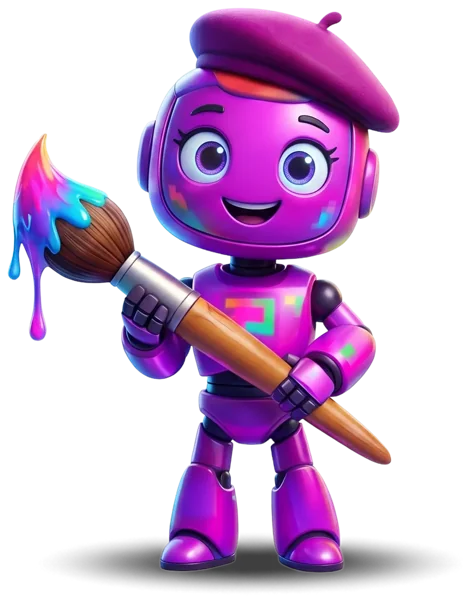
Module 3 · PIXEL
🎨 Unleash your creativity! Students explore the basics of design by discovering the power of colors, shapes, and visual storytelling. Using Canva, they dive into ready-made templates and elements to…
2 itemsModule 4
🎬 Discover the world of multimedia! Students explore what multimedia is and how it's used all around us — from videos and images to sounds and presentations. Using Canva, they…
Module 5 · NOVA
📊 Numbers tell stories! Students take their first look at the world of data by learning what data is, the different types around us, and how to collect and organize…
2 items Module 6 · SYS
🖱️ Master the basics of using a computer! Students build essential hands-on skills starting with confident mouse control and clicking, then move on to exploring the keyboard layout and the…
2 items
Module 7 · SPARK
💡 Think like a future business owner! Students explore the world of work by discovering different jobs and businesses around them. Through fun discussions about needs vs wants, they begin…
2 items
Module 8 · HALO
🌟 Success starts from within! Students discover what soft skills are and why they matter just as much as technical knowledge. Through engaging activities, they practice the art of listening,…
2 items
Module 9 · FLUX
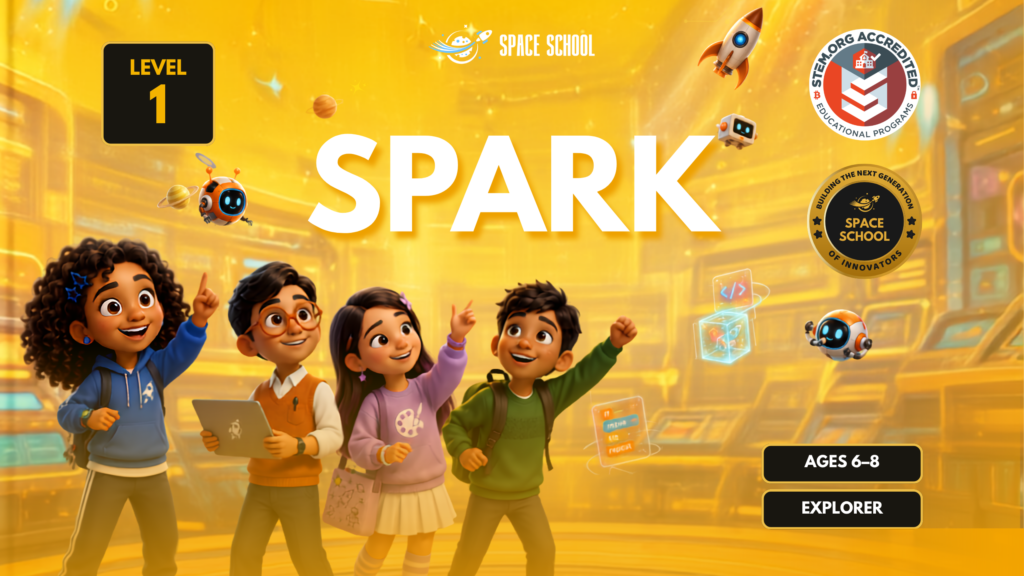
Level 1 — Spark| Space School
🚀 Begin Your Tech Journey
Level 1 at Space School is where every young tech leader takes their first step. Designed for students aged 6–10 with no prior experience, Explorer Level 1 introduces the world of technology through 8 carefully crafted modules — combining digital skills, creativity, critical thinking, and real-world awareness in one complete learning experience
What Your Child Will Learn:
🖥️ Computer Systems
Understanding how computers work, exploring input and output devices, and discovering the difference between desktops and laptops.
🚀 Programming
An introduction to coding using PicToBlox Junior and ScratchJr — bringing sprites to life through simple, fun sequences.
🎨 Graphic Design
Exploring colors, shapes, and visual creativity using Canva to design a first greeting card.
🎬 Multimedia
Discovering what multimedia is and building a first slideshow presentation using Canva.
📊 Data & Numbers
Learning what data is, sorting and counting objects, and creating simple pictographs.
⌨️ Computer Literacy
Mastering mouse control, keyboard layout, and typing practice through TypingClub.
💡 Entrepreneurship
Exploring jobs, businesses, needs vs wants, and the basics of earning and spending money.
🌟 Soft Skills
Building listening, respect, and kindness — the human skills behind every great tech leader.
Level 1 Highlights:
✅ 8 Modules — 16 Core Lessons + 5 Bonus Lessons
✅ Hands-on activities in every module
✅ Interactive quizzes and challenges
✅ Real projects using Scratch, Canva & TypingClub
✅ Certificate of completion
✅ Suitable for complete beginners aged 6–10
✅ Taught by certified Space School instructors
Who Is Level 1 For?
Level 1 — Spark is perfect for students who are new to technology and ready to discover a world of possibilities. No prior experience needed — just curiosity, creativity, and a desire to learn!
Space School — Creating Tomorrow’s Tech Leaders Today 🌍
Be the first cadet to rate this level!